

Listen to this article:
Introducing kids to coding early on is one of the best ways to foster creativity, problem-solving, and critical thinking. Thankfully, block-based coding software has made programming more accessible and fun, allowing kids to build apps, games, and interactive stories without writing complex code. This post will explore five excellent block-based coding platforms to help children embark on their coding journey.
1. Scratch
Scratch is one of the most popular block-based coding platforms, created by MIT. It’s designed for kids aged 8-16 but can be used by younger children with adult assistance. The interface allows children to snap together visual blocks representing coding concepts, such as loops, conditionals, and events, to create animations, games, or stories.

Why It’s Great for Kids:
- User-friendly: Scratch’s drag-and-drop interface is intuitive and colorful, making coding fun.
- Creative freedom: Kids can create their own characters, backgrounds, and music, letting their imagination run wild.
- Community support: Scratch has a large online community where kids can share their projects, get feedback, and collaborate with others.
Website: https://scratch.mit.edu/
2. Tynker
Tynker is an engaging platform designed for kids aged 5 and up. It offers a variety of coding experiences, from simple block-based coding for beginners to more advanced text-based coding as children progress. Tynker’s game-like interface teaches coding playfully and interactively.

Why It’s Great for Kids:
- Step-by-step progression: Tynker starts with simple blocks and gradually introduces more complex coding concepts as kids advance.
- Game-based learning: The platform offers coding challenges, where kids solve puzzles, build games, and even control robots or drones.
- Multiple coding languages: As kids grow, they can transition from block-based coding to JavaScript and Python.
Website: https://www.tynker.com/
3. MakeCode Arcade
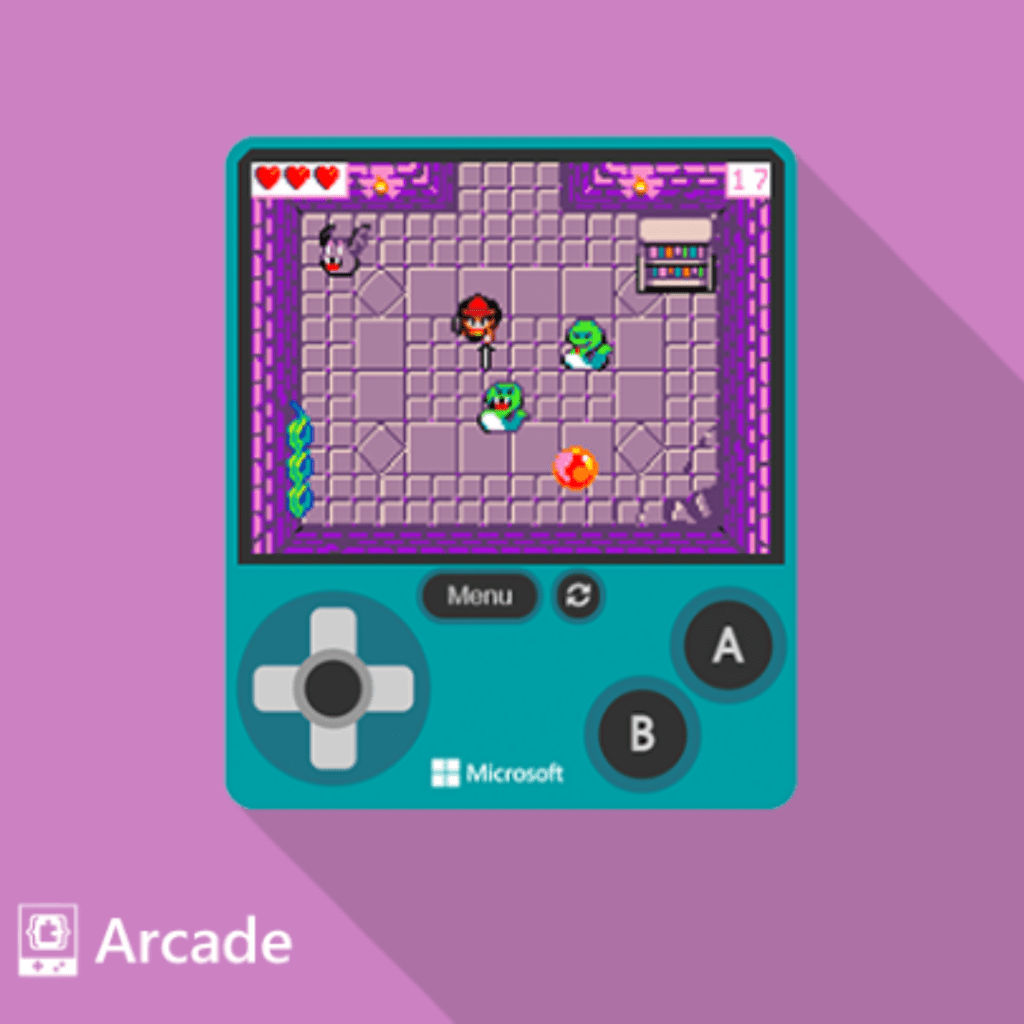
MakeCode Arcade, developed by Microsoft, is a powerful block-based coding platform focused on game development. It’s perfect for kids who want to create their own 2D video games using an intuitive block-based interface. Designed for learners aged 8 and up, MakeCode Arcade also allows students to toggle between blocks and JavaScript or Python.
Why It’s Great for Kids:
- Game creation focus: MakeCode Arcade is designed specifically for game development, allowing kids to create their own retro-style games with ease.
- Transition to real code: As kids advance, they can switch from block-based coding to JavaScript or Python with a single click.
- Wide platform support: Kids can play their games on a computer, download them to a handheld device, or share them online.
Website: https://arcade.makecode.com/
4. Code.org
Code.org is a nonprofit organization aimed at expanding access to computer science in schools. Their Hour of Code initiative introduces students to coding through short, interactive tutorials. Code.org’s block-based platform is suitable for kids as young as five and offers lessons that use familiar characters from games like Minecraft and Frozen to keep kids engaged.
Why It’s Great for Kids:
- Educational focus: Code.org offers full curricula for K-12, providing teachers with comprehensive lesson plans.
- Engaging content: Kids get to learn through building their favorite games or working with well-known characters from popular media.
- Accessible: Code.org is entirely free and can be used by teachers and students worldwide.
Website: https://code.org/
5. ScratchJr
ScratchJr is a simplified version of Scratch, designed for younger children ages 5-7. It introduces kids to basic programming concepts through block coding, where they can create their own interactive stories and games. ScratchJr is available as a tablet app, making it a great introduction to coding for children who are not yet ready for complex projects.

Why It’s Great for Kids:
- Age-appropriate: The interface is simplified for early learners, with large, easy-to-use buttons and icons.
- Storytelling and coding: Kids use coding blocks to make characters move, jump, dance, and sing, blending storytelling with programming skills.
- No reading required: ScratchJr is designed for children who may not yet be strong readers, allowing them to start learning to code without language barriers.
Website: https://www.scratchjr.org/